JOIN TO BE SMART

SMART CSP
“We Don't Just Promise — We Deliver.”
📱 QR CODE PAYMENT
SCAN & PAY
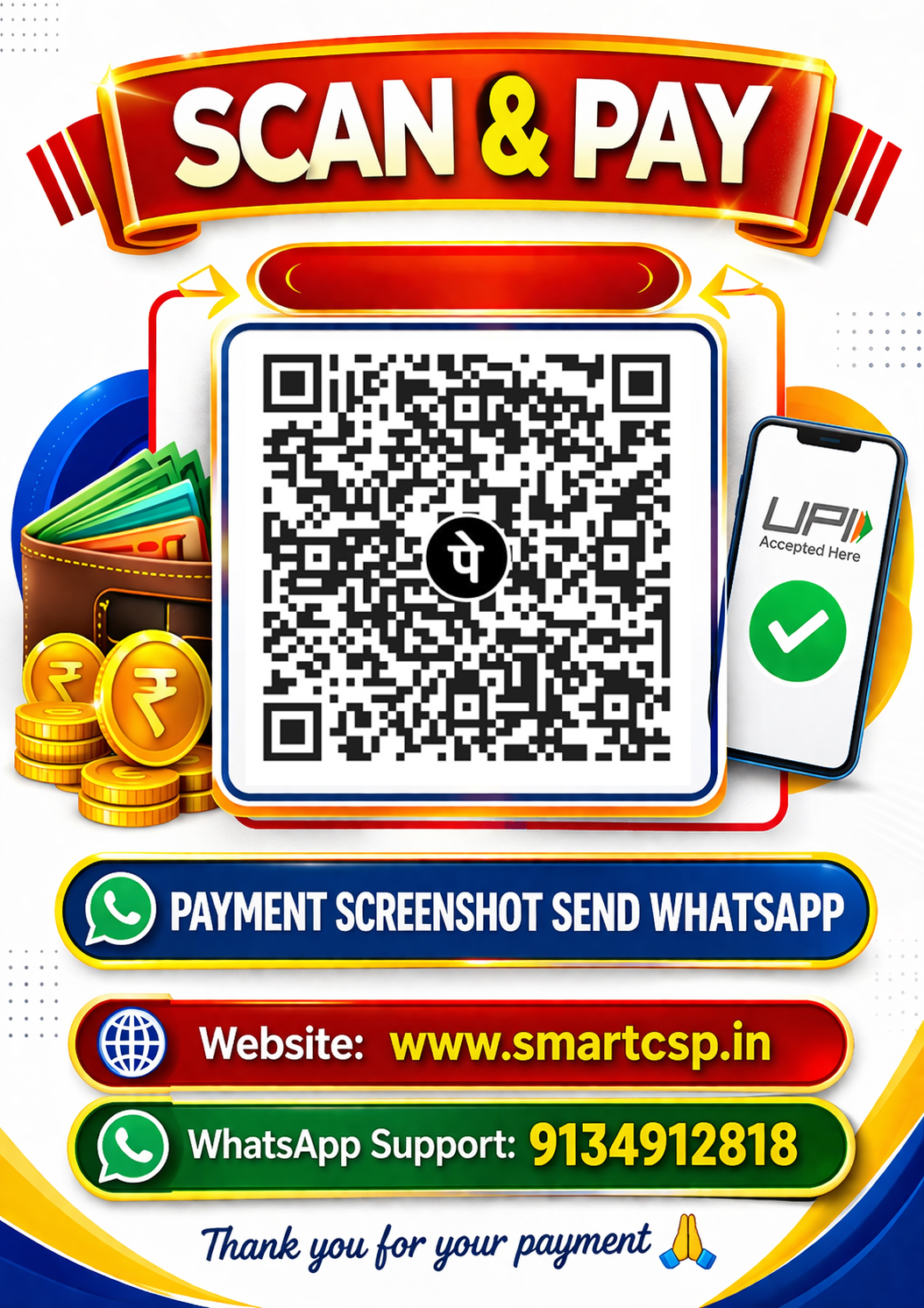
Scan QR Code to Pay
Send Payment Screenshot on WhatsApp
Payment Instructions
- Click “Download QR Code” to save the QR to your device
- Open any UPI app (Google Pay, PhonePe, Paytm, etc.)
- Tap “Scan QR” and select the QR from the gallery
- Enter the correct amount and complete the payment
- Take a screenshot of the successful payment page
- Send the screenshot on WhatsApp
- The work will be completed as per the payment
✓ QR Code Downloaded Successfully!